|
How to |
  
|
| Show/Hide Hidden Text |
|
How to |
|
| Show/Hide Hidden Text |
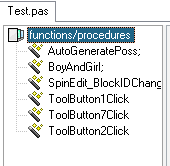
Click File to open a project (C/C++/VC, Pascal/Delphi), the functions/procedures will be left listed.
Select one of the functions/procedures column to load the flowchart.
|
Click the symbol
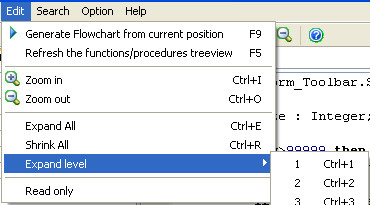
Click Edit, you can find the Zoom in/out
Select the flow chart. Ctrl+I = Zoom in, Ctrl+O = Zoom out |
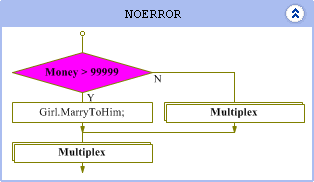
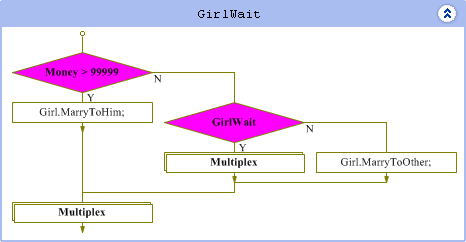
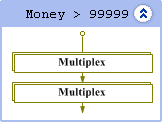
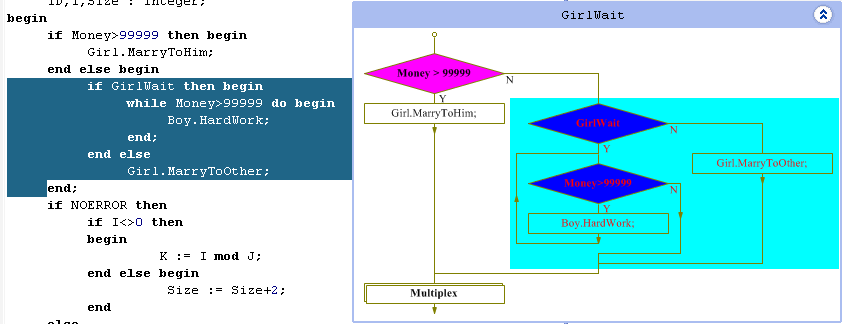
Double click on the multiplex boxes, the flowchart will be expanded.
Double click on the diamond-shaped boxes, the flowchart will be shrunk.
Otherwise, you can click Edit to shrink all, expand all or set the expand levels (Max: 10).
|
The corresponding source code will be highlighted once you have clicked on a box in the flowchart.
|
Click
Or click Search in the menu bar.
|
Click |
Click
Or click Option in the menu bar, then click Options.
|
Click |
Click
Or press F9. |
Click
|
Introduction | View Features | Purchase | About


 on the control panel, then type key words into the form and set the searching filter, Click OK.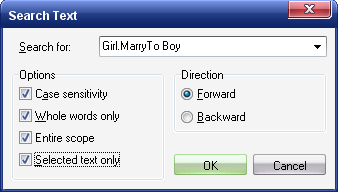
 on the control panel.
 on the control panel.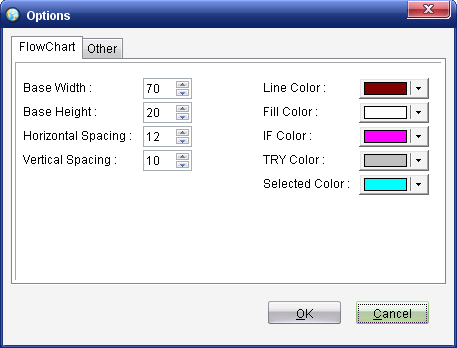
 on the control panel.
 on the control panel.