|
How to preview my saved files? |
  
|
|
How to preview my saved files? |
|
1. Select the file you want to preview in the file list, then you can preview it in the Preview Area.
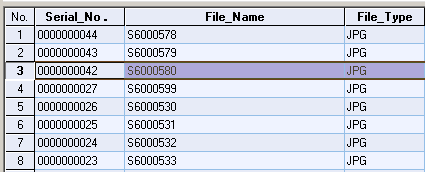
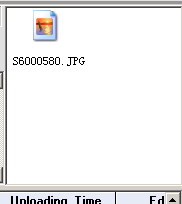
Double click on the file in the Preview Area to open it.
2. Right-Click on the selected files.
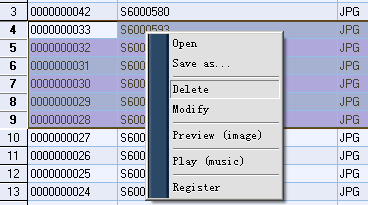
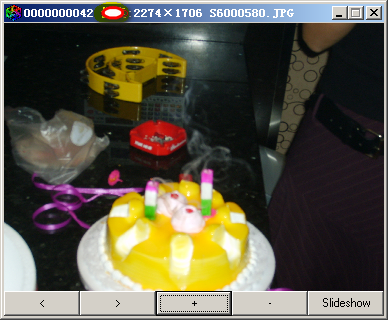
3. If your files are images, click "Preview (image)"
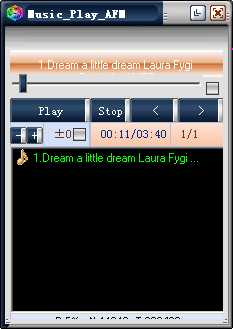
4. If your files are music, click "Play (music)"