
AthTek RegistryCleaner - Best Computer Registry Cleaner
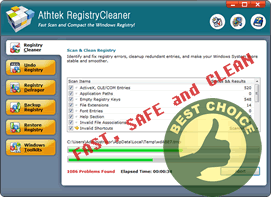
Computer registry is a media to record all software and hardware configuration, redundancy or errors of computer registry will impair system performance in different aspects, causing slower startup, blue screen and error messages. Sometimes computer registry errors can even cause system crashes. Considering the great importance of computer registry, the routine maintenance is indispensable to all windows users. It's required that we perform regular computer registry check to guarantee a sound system.
AthTek RegistryCleaner is a master to tackle various computer registry issues by scanning, repairing, compacting, backup and restoring features. With an activated version, you will find it convenient to use and even come to love tweaking the computer registry!
How to tweak the computer registry?
- Scan computer registry errors
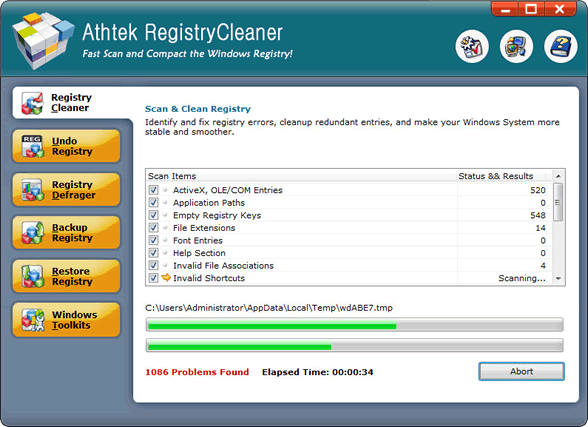
- We've come to the conclusion that it's highly needed to tweak the computer registry. Now let's see how to do it. First, we need to search those entries that are no long necessary and should be repaired.
- Repair computer registry errors
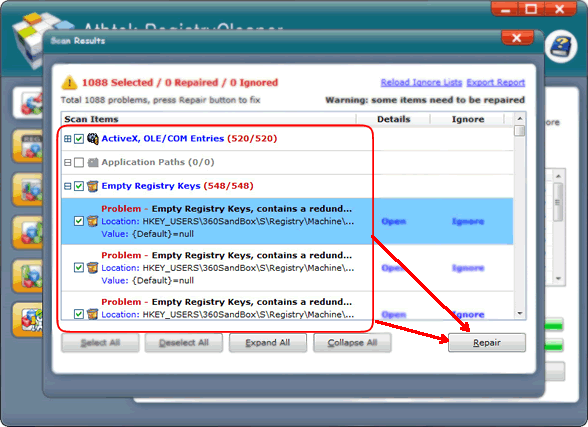
- Wow, thousands of errors are found out. A little bit striking, isn't it? It's normal if you never did a registry scan on computer registry before. We can remove them easily with a simple mouse click.
- Undo changes
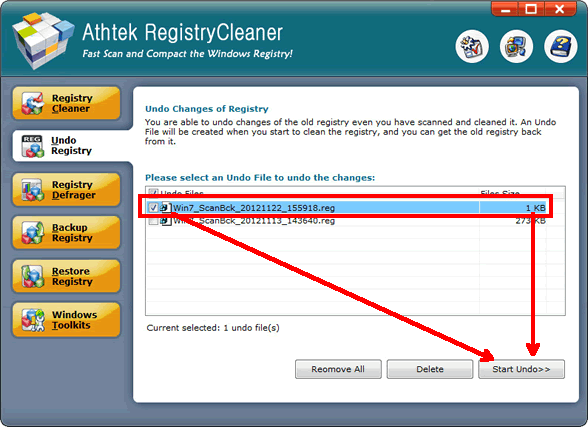
- Even cleverest tools will glitch in determining the waste files. If some of your applications start popping error messages, it might be caused by missing of some important registry keys. Don't worry. The registry cleaner has a function to find them back and re-embed them into your computer registry.
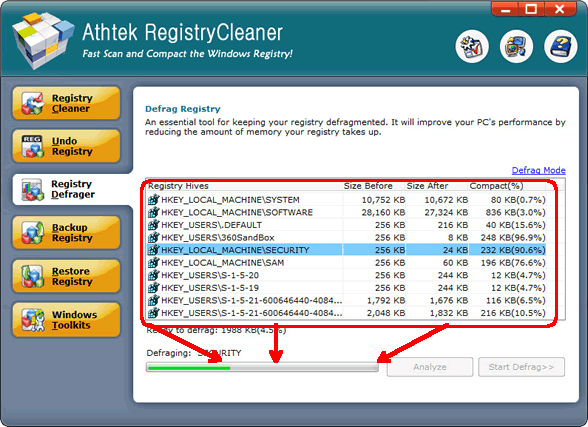
- Compact computer registry
- Here's another treat the registry cleaner offers. You can cut down the size of your computer registry by eliminating unnecessary gaps. The whole process will be automatic and intelligent. You'll be glad to have some extra space.
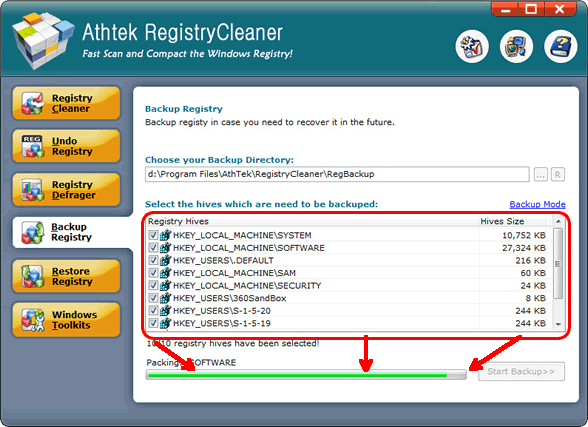
- Backup Computer Registry
- We can never overlook the importance of system recovery. That's a common consensus. That's true when we talk about computer registry too. Remember to get a backup file of the ideal registry. It will be of great use in the future.
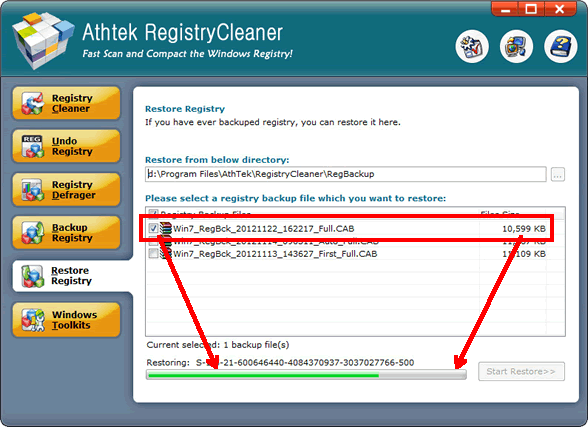
- Restore computer registry
- Bang, your system just crashed. Before busily looking for a system reinstallation, why not restore your computer registry first? Most registry errors can be thoroughly solved by rolling the registry back to an old one. If registry recovery helps, why bother to put time and efforts to reinstall the whole system?
If you still feel hard to use this computer registry tool, please view how to use.

Users' Review
 Native 64 bit version / extremely fast scanning...........after using it for several days now it's finding a whole lot of errors missed by other 64 bit programs I'm also using, I'm still in a bit of disbelief !
------- Keith Roberts from Texas
Solutions
Tags
64 bit registry cleaner, registry cleanup tool, registry booster, regedit cleaner, registry repair, registry cleaner, windows registry, reg cleaner, pc tools, win7 registry cleaner, win7 registry booster, registry tool, clean registry, registry errors, pc cleaner, system cleaner, repair registry, best registry cleaner, Vista registry cleaner, Windows 8 registry cleaner

Related Applications
- System backup and restore
AthTek Data Recovery supports to fast backup and restore your operating system, as well as important data. - Reinstall DirectX EZ
Reinstall DirectX EZ is the ONLY tool which can fix DirectX errors perfectly. It can get better performance after you clean the computer registry.