
AthTek RegistryCleaner - Best XP Registry Cleaner
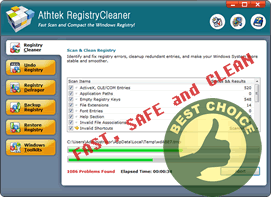
Windows XP registry is a gigantic reservoir stored with information flow of all hardware and software. Therefore, a healthy and clean XP registry is vital to computer's stability and speed. All responsible computer users should regularly maintain their XP registry to the best state to avoid software operation errors, icon mistakes, network failure, slowed computer speed, blue screen or even system crash.
With an all-in-one registry cleaner, even the newbie computer users can maintain XP registry fast and efficiently. Automatic and secure scanning and cleaning, reliable undo, backup and restore functions offer a handy and safe way to fix XP registry redundancy, error and guarantee a riskless rollback. There's always a way to relieve the damage to your XP registry before, during and after the harm with this pro tool.
FAQ of XP registry
- Why do I need to optimize XP registry? How to fix it?
- XP registry is consisted of all hardware and software configuration data. The more your computer runs, the more problems there are in your XP registry. If not optimized timely and properly, application errors, system deceleration and even crash will appear.
To fix the XP registry, a thorough inspection at all entries is the first thing we need.
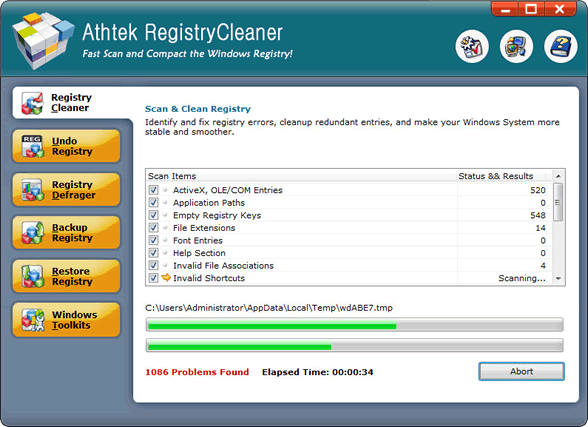
- What to do with those scanned items?
- The listed items are the potential causes of system glitches. Of course you don't want them remain in your XP registry. So they have to be removed. Nevertheless, if you aren't sure about uses of certain entries, you can deselect them to repair later.
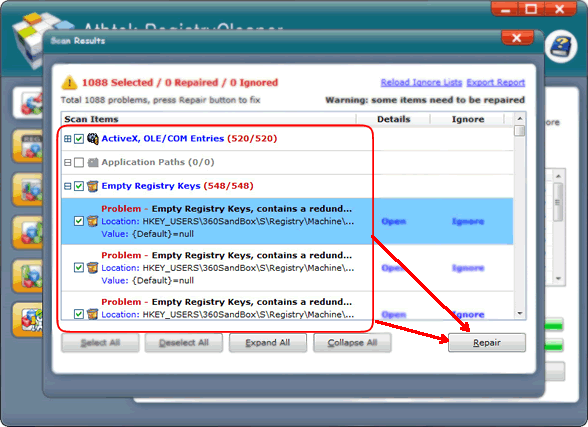
- What will happen if I delete some important entries?
- If some crucial entries are removed by mistake, the important data that link them to some applications will be missing in the XP registry. Some software or hardware can't function normally if the lacking is serious. Undo the old deleting steps, and the problems will be gone.
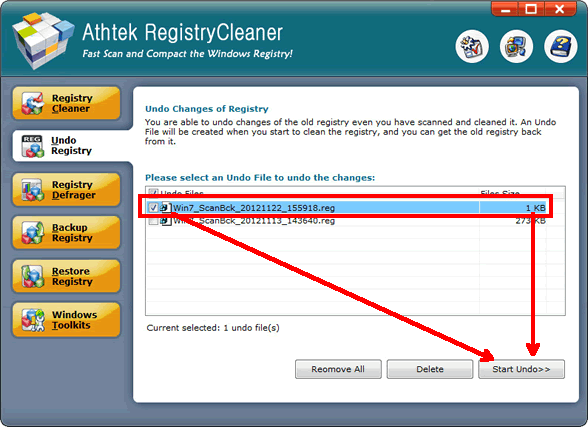
- Can I optimize the XP registry further?
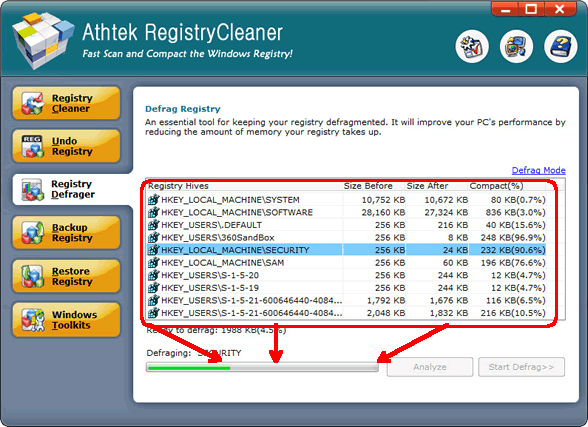
- Yes, of course. Gaps between entries can be detected and squeezed so that more space can be freed out. With a bigger system space, the computer will run faster.
- Why do I need to back up XP registry?
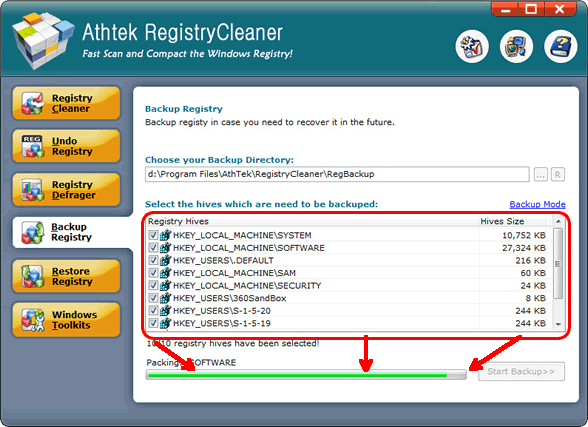
- The computer is faced up with numerous threats in the Internet environment. Malware and Trojans may sneak into your system at any time. With a backup file of a stable and clean XP registry, you won't be helpless when troubles come to your system.
- My system has officially declared a strike. What can I do?
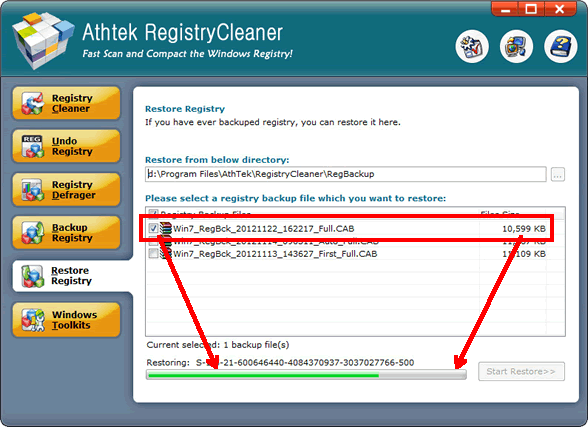
- So long as you have the backup file of a decent XP registry, there's nothing to worry about. Choose the backup file containing the sound and clean entries, with a simple click, your registry will rewind back right away!
If you still feel hard to use the best XP registry cleaner, please view how to use.

Users' Review
 Native 64 bit version / extremely fast scanning...........after using it for several days now it's finding a whole lot of errors missed by other 64 bit programs I'm also using, I'm still in a bit of disbelief !
------- Keith Roberts from Texas
Solutions
Tags
64 bit registry cleaner, registry cleanup tool, registry booster, regedit cleaner, registry repair, registry cleaner, windows registry, reg cleaner, pc tools, win7 registry cleaner, win7 registry booster, registry tool, clean registry, registry errors, pc cleaner, system cleaner, repair registry, best registry cleaner, Vista registry cleaner, Windows 8 registry cleaner

Related Applications
- System backup and restore
AthTek Data Recovery supports to fast backup and restore your operating system, as well as important data. - Reinstall DirectX EZ
Reinstall DirectX EZ is the ONLY tool which can fix DirectX errors perfectly. It can get better performance when using together with XP Registry Cleaner.